
A study timer is most useful when it turns a vague plan into one small, testable session. Instead of “study chemistry,” choose an outcome such as “answer ten equilibrium questions and mark the ones I miss.”
This guide explains how students can use Pomodoro intervals for reading, practice questions, revision, and assignments. It also shows when to shorten, extend, or ignore the default 25-minute interval.
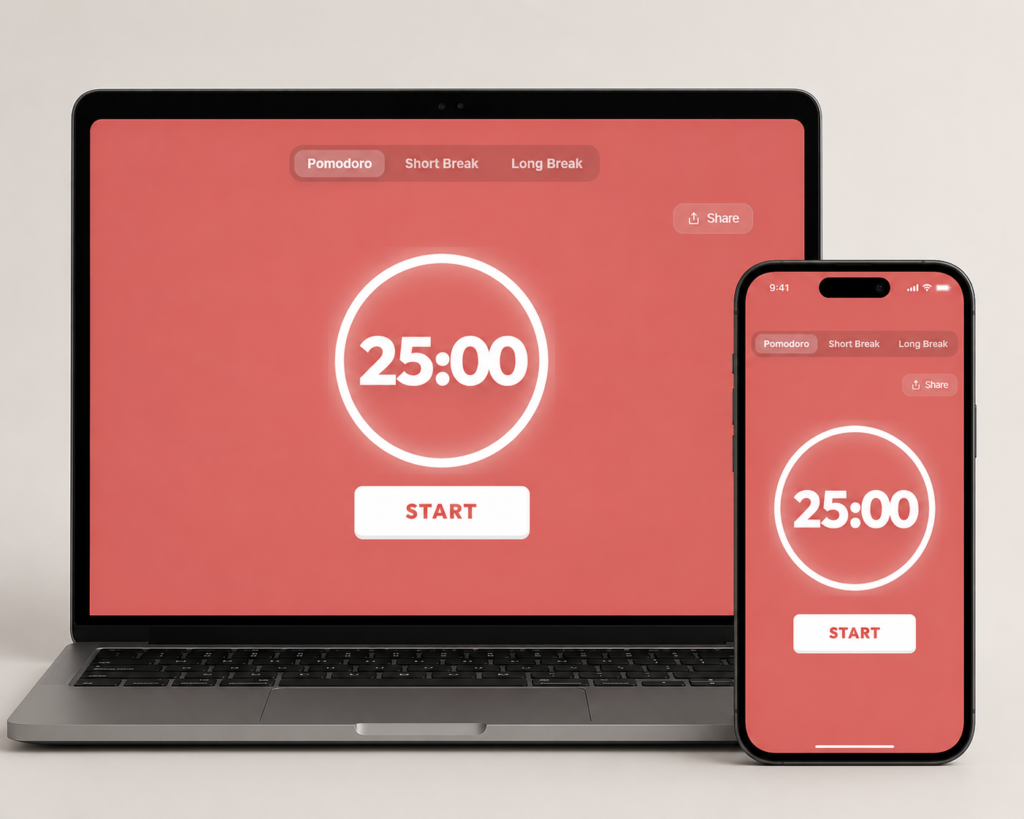
What Is the Pomodoro Technique for Students?
Here’s a quick bit of history before we get into the method itself.
Francesco Cirillo invented this system back in the late 1980s when he was a university student struggling to concentrate. He grabbed a tomato-shaped kitchen timer from his kitchen to keep himself accountable. Pomodoro is simply the Italian word for tomato. The name stuck, and so did the technique.
The method itself is refreshingly simple:
- Pick one task you want to work on
- Set a timer for 25 minutes of uninterrupted focus
- Work on nothing else until the timer rings
- Take a 5-minute break
- After completing four rounds, take a longer 15 to 30 minute break
That’s genuinely all there is to it. No complicated system to learn, no expensive tools required. Just intentional focus followed by real rest..
Why a Pomodoro Timer Can Help Students
The timer does not make studying effective by itself. Its value comes from three practical constraints: one task, a visible stopping point, and a planned moment to review what happened.
1. It Makes Starting Smaller
A large assignment can be difficult to start because the first action is unclear. A short session with a concrete finish line reduces that ambiguity. You are committing to one defined attempt, not promising to finish the entire subject.
2. It Limits Avoidable Switching
Before the timer begins, close unrelated tabs, silence notifications, and keep a note for thoughts that belong later. The interval creates a temporary rule for what you will not switch to.
3. It Creates a Review Point
When the interval ends, check the work rather than only counting the session. Record missed questions, unclear ideas, and the next step. This turns the timer into a planning tool instead of a streak counter.
Should You Use 20 or 25 Minutes?
Some students prefer the Pomodoro technique 20 minutes version over the traditional 25. If you’ve been wondering which one to use, the honest answer is that both work well.
Cirillo’s original method uses 25-minute sessions, and that’s the default you’ll find on any good Pomodoro focus timer. But 20 minutes can actually be a smarter starting point if you’re new to focused studying. Shorter sessions mean quicker wins, and those early wins help you build momentum.
Start at 20 minutes. Once that feels comfortable, bump it to 25. If you ever hit a real flow state where stopping at 25 feels disruptive, you can extend to 30. Just don’t push further than that without a break.
Here’s a simple way to think about it:
- Just starting out? Use 20-minute sessions.
- Feeling comfortable with focus? Move to 25 minutes.
- Already in a strong flow? Try 30 minutes at most.
The specific number matters less than the habit of working without distractions and actually taking your breaks when the timer rings.
How to Use the Pomodoro Technique for Students: 5 Steps
Here’s a straightforward breakdown of how to use the Pomodoro technique for studying without any unnecessary steps:
Step 1: Do a Quick Brain Dump First
Before you even touch the timer, spend five minutes writing down everything you need to get done. Don’t worry about organizing it. Just get it out of your head and onto paper. This alone takes a lot of the anxiety out of starting.
Step 2: Pick One Thing to Focus On
Look at your list and choose the single most important task. Write it at the top. That’s your target for your first session. Resist any urge to multitask because the entire effectiveness of this method comes from focusing on one thing at a time.
Step 3: Start the Timer and Commit Fully
Open your Pomodoro timer, set it to 25 minutes, and start working. If a random thought pops into your head during the session, just write it down quickly and get back to the task. Don’t follow the distraction. Capture it and deal with it later.
Step 4: Actually Stop When the Timer Rings
When the timer goes off, stop working right then. Not in a few minutes when you reach a stopping point. Right now. Stand up, stretch, get some water, and look away from your screen. This rest period is what makes the next session productive.
Step 5: Mark the Session and Move Forward
After each completed Pomodoro, put a checkmark next to your task. This small act of tracking is surprisingly satisfying and it also gives you a realistic picture of how long different tasks actually take, which makes planning future study sessions much easier.
Bonus Step: Take a Proper Long Break After Four Sessions
After four Pomodoros, give yourself a full 15 to 30 minute break. Eat something. Go for a short walk. Do something that genuinely lets your mind rest. Then come back fresh and run another block.
Pomodoro for Students: A Real Example Study Schedule
Here’s a Pomodoro technique for students example that looks like a real student morning rather than a perfect hypothetical:
Morning Study Block (9:00 AM to 11:30 AM)
| Time | Activity |
|---|---|
| 9:00 to 9:25 | Pomodoro 1 – Read Chapter 4 (Economics) |
| 9:25 to 9:30 | Short break, stretch and get water |
| 9:30 to 9:55 | Pomodoro 2 – Make notes from Chapter 4 |
| 9:55 to 10:00 | Short break, step outside briefly |
| 10:00 to 10:25 | Pomodoro 3 – Write essay introduction |
| 10:25 to 10:30 | Short break |
| 10:30 to 10:55 | Pomodoro 4 – Complete essay body paragraph |
| 10:55 to 11:25 | Long break, 30 minutes for lunch and rest |
| 11:25 to 11:50 | Pomodoro 5 – Math problem sets |
Five focused sessions, one productive morning, and you’re done before noon without burning out. You can put this exact schedule together using a free online Pomodoro timer with no downloads or signups needed.th a free online Pomodoro timer — no downloads needed.
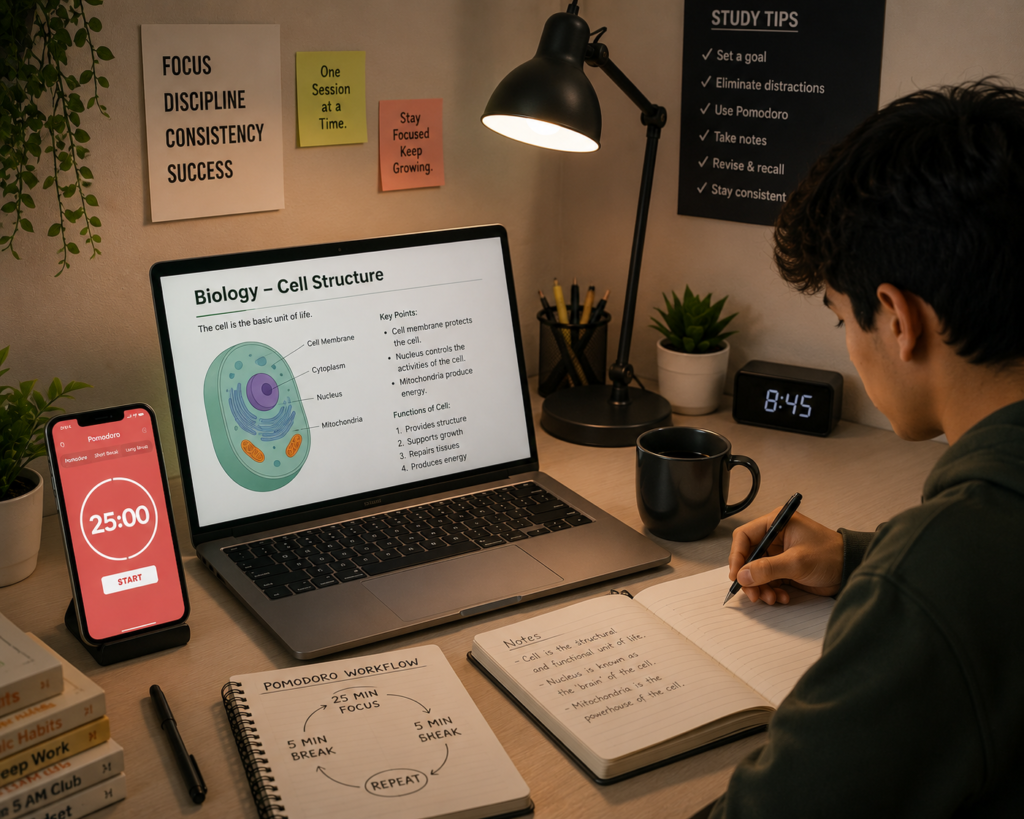
How to Decide Whether Pomodoro Helps Your Studying
Pomodoro is a time-management method, not a guarantee of better grades or memory. Test it on comparable tasks and judge the work produced.
For practice questions, compare how many you completed and corrected. For reading, close the book and write the main ideas from memory. For writing, note whether the session produced a usable paragraph, outline, or revision.
A fixed interval may suit flashcards, problem sets, and administrative tasks. Drafting, laboratory work, group study, or an exam simulation may need a longer uninterrupted block. If the alarm repeatedly interrupts useful work, use it as a check-in point rather than an automatic stop.
4 Mistakes Students Make with Pomodoro
Even with a simple method like this, a few common mistakes can undermine the whole thing:
Mistake 1: Scrolling your phone during breaks
This one is probably the most common. Social media scrolling isn’t real rest. It keeps your brain in an alert, reactive state. Use your breaks for movement, a glass of water, or just sitting quietly for a few minutes.
Mistake 2: Starting the timer before deciding what to work on
If you hit start without a clear task in mind, you’ll spend the first chunk of your session just figuring out what to do. Always decide on your task before the timer begins.
Mistake 3: Abandoning a session halfway through
If someone interrupts you mid-session, jot down what you need to deal with and finish the Pomodoro first if possible. Every time you break focus early, you lose the concentration you spent time building.
Mistake 4: Skipping the long break
Students often feel guilty taking 30 minutes off when there’s still a lot to do. But each Pomodoro after a skipped long break produces less and less quality work. The break isn’t a luxury; it’s what keeps the whole system running properly.
The Only Tool You Actually Need
You don’t need a premium app or a paid subscription to use this method. All it takes is one reliable Pomodoro timer and you can get started right now.
The best options for students are free, distraction-free, easy to adjust, and work on any device including your phone, laptop, and tablet. The Pomodoro Focus Timer at pomodorofocustimer.com does exactly that. It’s clean, it’s simple, and it’s built specifically for people who want to study without distractions.
Frequently Asked Question
What Students Ask About Pomodoro
Q: What is the Pomodoro technique for studying?
It is a study method where you work in 25-minute focused blocks with 5-minute breaks in between. After four blocks, you take a 30-minute rest. It reduces procrastination and sharpens concentration.
Q: Can I use it with a study partner?
Yes — and it works really well. Start and stop together. Take breaks at the same time. It adds accountability without adding distraction.
Q: What if 25 minutes still feels too long?
Drop it to 20. The Pomodoro technique 20 minutes version is just as effective. Build up your focus gradually as you get more comfortable.
Q: How many sessions should I do per day?
Most students do best with 8–12 sessions. That covers roughly 3–5 hours of real focused work. Beyond that, quality drops. Less is more.
Q: Is it good for students with ADHD?
Yes, many ADHD students find it very helpful. Short, defined sessions reduce the overwhelm that comes with open-ended tasks. The built-in breaks also match how ADHD brains naturally cycle through attention.
Try One Week and Review the Evidence
You don’t need to reinvent your entire approach to studying. Just give the Pomodoro technique for students a proper try for seven days with a real timer, one task at a time, and your phone out of reach during sessions.
Start with 20-minute rounds if 25 feels like too much. Use a free Pomodoro timer so there’s nothing stopping you. After a few sessions you’ll start to notice how different it feels to study with structure compared to just hoping focus will show up on its own.
At the end of the week, compare completed work, errors, and recall with your usual approach. Keep the parts that helped and change the parts that did not.
For the next study session, define one result and use the timer only to protect that attempt.
Published by Relnov. This article provides general study-planning information and does not promise a particular academic result. Start a session with the free Pomodoro timer, and send corrections to hello@relnov.com.